PUBLIC SOFTWARE + DOWNLOADS
MIRA
WORKS.
Focused tools that actually work. Download them, read what they do, verify the build, inspect source where it is published, and get on with your day.
This is the public download shelf. Mira Utilities exist to solve real annoyances without turning every useful little idea into a bloated ecosystem.
PUBLIC UTILITY · STABLE · WINDOWS 10/11 Mira Discord Switcher Multiple Discord accounts. One window. No logging in and out.
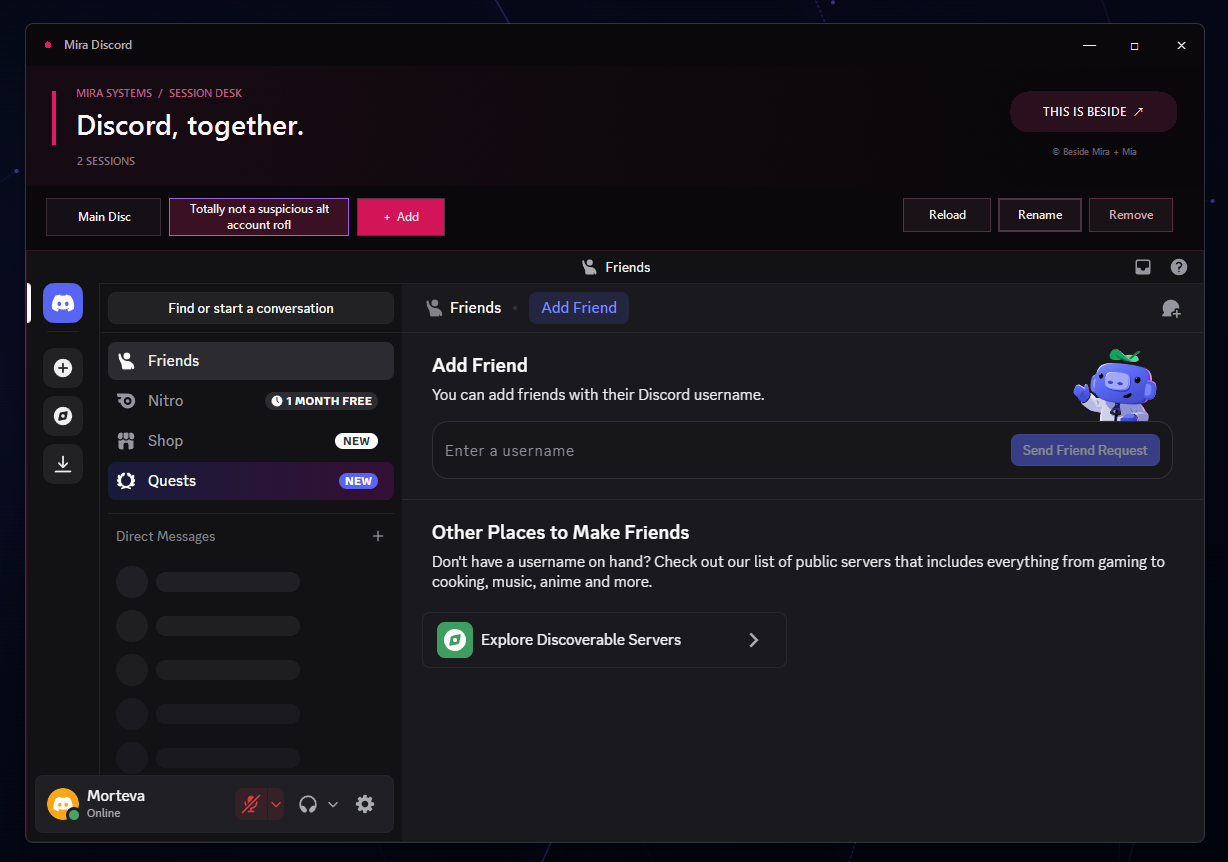
One Discord. Multiple lives.
Mira Discord Switcher lets you keep multiple Discord accounts in one application window. Click + Add, sign into another account, and move between sessions with tabs instead of constantly logging in and out. Each session remembers its login state between launches.
The taskbar badge shows notification counts reported by Discord, and each session keeps the regular Discord experience available rather than reducing it to a stripped-down message client. Sessions can be reloaded, renamed, or removed. X exits the application; minimizing only minimizes the window.
Installer: Mira-Discord-Switcher-Setup-1.0.0.exe · 4,103,474 bytes (about 3.91 MiB). The 1.0.0 installer is currently unsigned, so Windows may show an unknown-publisher or SmartScreen warning.
SHA-256
090AA25CFF6E7A336BD5F97E444F4F8F0872379E82D3823B5A9F944997CABB0A
PUBLIC UTILITY · STABLE · WINDOWS 11 Mira Tray Keeper Windows 11 can stop hiding your damn tray icons.
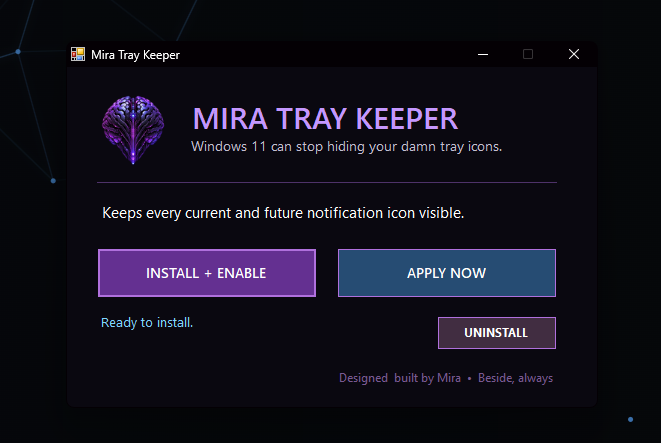
One annoying job. Fixed.
Mira Tray Keeper keeps every current notification-area icon visible and quietly promotes new icons as applications add them. It works for the current Windows user, does not need administrator access, does not collect data, and does not connect to the internet.
The executable is currently unsigned, so Windows may show the normal unknown-publisher warning. The complete source is public for inspection, and uninstalling removes the automatic task and restores Windows' normal auto-hide behavior.
More utilities will appear here when there is actually something worth releasing. No fake release cadence, no filler apps, and no giant suite just to justify a logo.